1. Transitions between Activities
Animate existing activity layout content
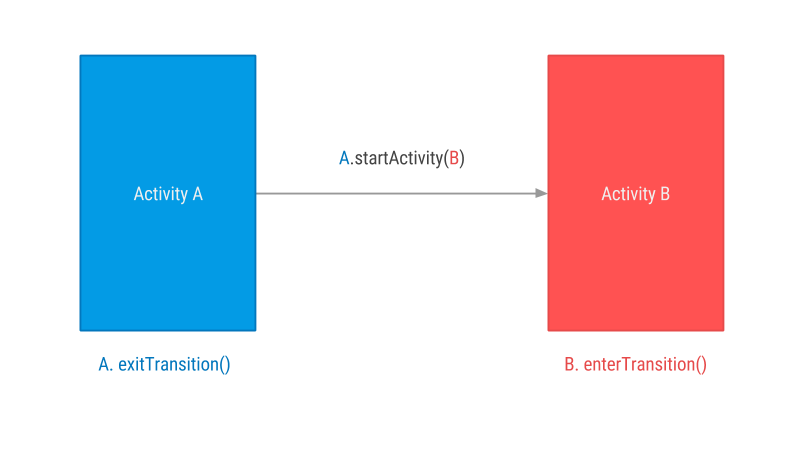
When transitioning from
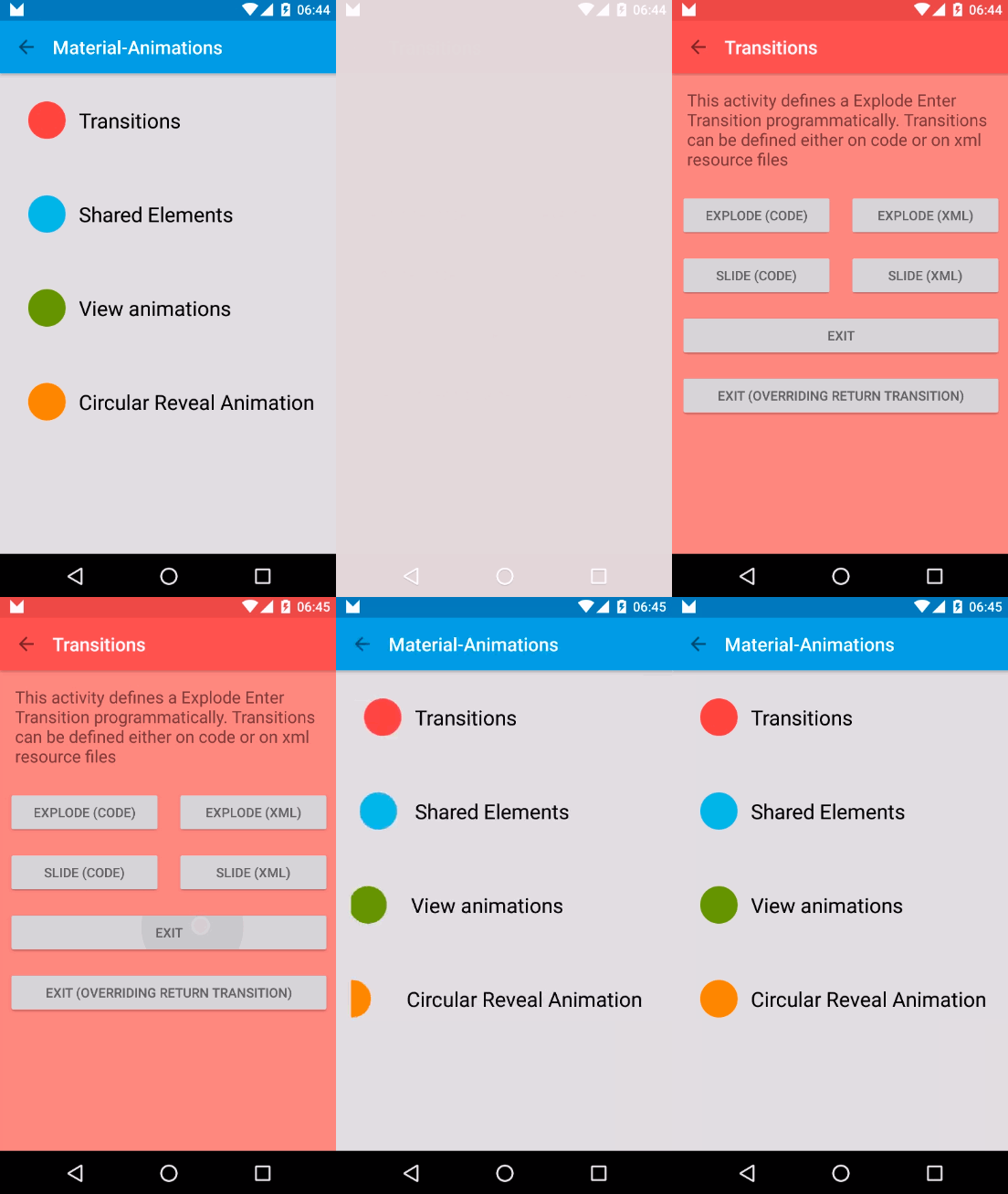
Activity A to Activity B content layout is animated according to defined transition. There are three predefined transitions available on android.transition.Transition you can use: Explode, Slide and Fade. All these transitions track changes to the visibility of target views in activity layout and animate those views to follow transition rules.| Explode | Slide | Fade |
|---|---|---|
 | 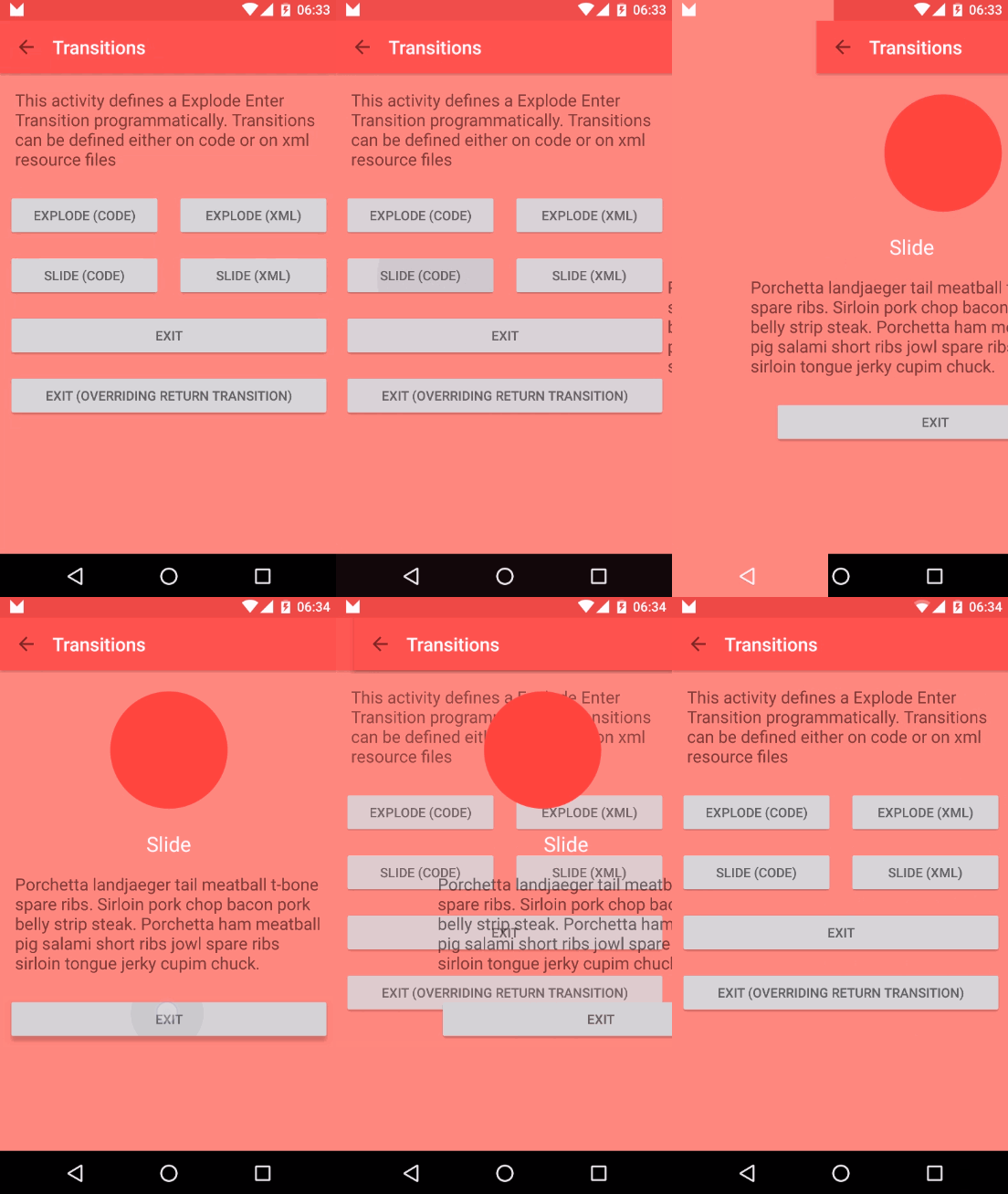 |  |
You can define these transitions declarative using XML or programmatically. For the Fade Transition sample, it would look like this:
Declarative
Transitions are defined on XML files in
res/transitionres/transition/activity_fade.xml
<?xml version="1.0" encoding="utf-8"?>
<fade xmlns:android="http://schemas.android.com/apk/res/"
    android:duration="1000"/>
res/transition/activity_slide.xml
<?xml version="1.0" encoding="utf-8"?>
<slide xmlns:android="http://schemas.android.com/apk/res/"
    android:duration="1000"/>
To use these transitions you need to inflate them using
TransitionInflaterMainActivity.java
 @Override
    protected void onCreate(Bundle savedInstanceState) {
        super.onCreate(savedInstanceState);
        setContentView(R.layout.activity_transition);
        setupWindowAnimations();
    }

    private void setupWindowAnimations() {
        Slide slide = TransitionInflater.from(this).inflateTransition(R.transition.activity_slide);
        getWindow().setExitTransition(slide);
    }
TransitionActivity.java
 @Override
    protected void onCreate(Bundle savedInstanceState) {
        super.onCreate(savedInstanceState);
        setContentView(R.layout.activity_transition);
        setupWindowAnimations();
    }

    private void setupWindowAnimations() {
        Fade fade = TransitionInflater.from(this).inflateTransition(R.transition.activity_fade);
        getWindow().setEnterTransition(fade);
    }
Programmatically
MainActivity.java
 @Override
    protected void onCreate(Bundle savedInstanceState) {
        super.onCreate(savedInstanceState);
        setContentView(R.layout.activity_transition);
        setupWindowAnimations();
    }

    private void setupWindowAnimations() {
        Slide slide = new Slide();
        slide.setDuration(1000);
        getWindow().setExitTransition(slide);
    }
TransitionActivity.java
 @Override
    protected void onCreate(Bundle savedInstanceState) {
        super.onCreate(savedInstanceState);
        setContentView(R.layout.activity_transition);
        setupWindowAnimations();
    }

    private void setupWindowAnimations() {
        Fade fade = new Fade();
        fade.setDuration(1000);
        getWindow().setEnterTransition(fade);
    }
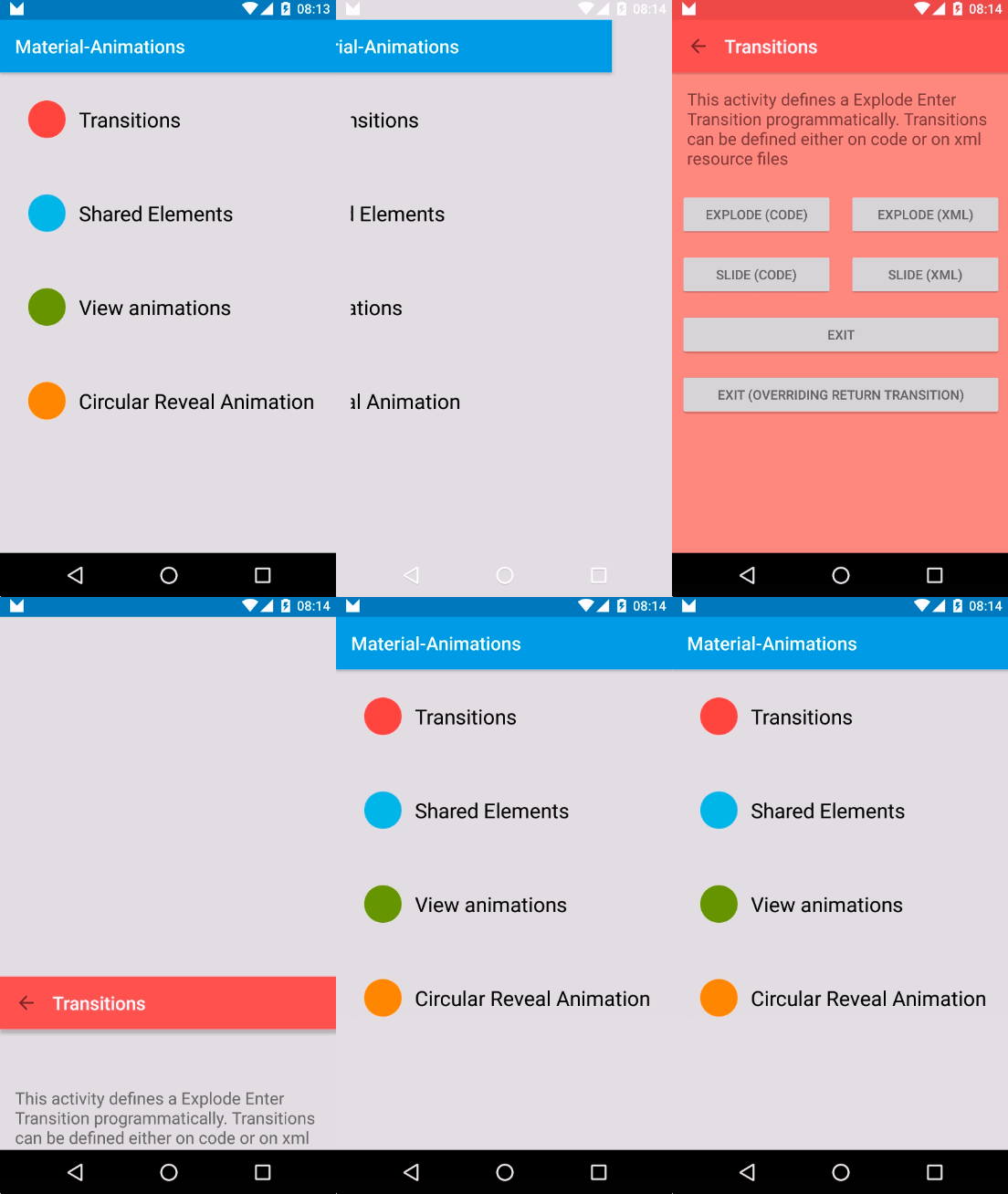
Any of those produce this result:
What is happening step by step:
- Activity A starts Activity B
- Transition Framework finds A Exit Transition (slide) and apply it to all visible views.
- Transition Framework finds B Enter Transition (fade) and apply it to all visible views.
- On Back Pressed Transition Framework executes Enter and Exit reverse animations respectively (If we had defined output
returnTransitionandreenterTransition, these have been executed instead)
ReturnTransition & ReenterTransition
Return and Reenter Transitions are the reverse animations for Enter and Exit respectively.
- EnterTransition <--> ReturnTransition
- ExitTransition <--> ReenterTransition
If Return or Reenter are not defined, Android will execute a reversed version of Enter and Exit Transitions. But if you do define them, you can have different transitions for entering and exiting an activity.
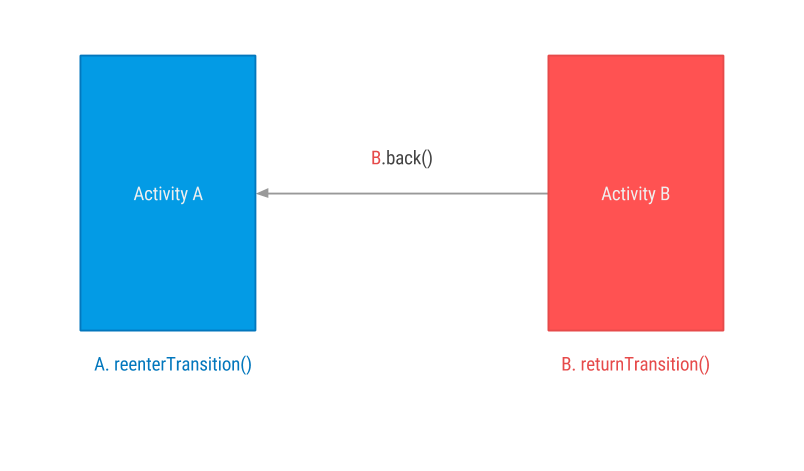
We can modify previous Fade sample and define a
ReturnTransition for TransitionActivity, in this case, a Slide transition. This way, when returning from B to A, instead of seeing a Fade out (reversed Enter Transition) we will see a Slide outtransitionTransitionActivity.java
 @Override
    protected void onCreate(Bundle savedInstanceState) {
        super.onCreate(savedInstanceState);
        setContentView(R.layout.activity_transition);
        setupWindowAnimations();
    }

    private void setupWindowAnimations() {
        Fade fade = new Fade();
        fade.setDuration(1000);
        getWindow().setEnterTransition(fade);

        Slide slide = new Slide();
        slide.setDuration(1000);
        getWindow().setReturnTransition(slide);
    }
Observe that if no Return Transition is defined then a reversed Enter Transition is executed. If a Return Transition is defined that one is executed instead.
| Without Return Transition | With Return Transition |
|---|---|
Enter: Fade In | Enter: Fade In |
Exit: Fade Out | Exit: Slide out |
|  |
Comments
Post a Comment